Content Moderation API: A Developer's Implementation Guide
Almost every content moderation API works the same way:
A user uploads a photo, video, or message, the app sends it to a cloud service, waits for the response, and only then decides whether the content is safe.
That setup works, but… with trade-offs.
Meaning, every moderation request depends on the network, every upload sends user content to a third party, and your costs usually grow as your app gets more traffic.
But if you're building a mobile app, there's another option.
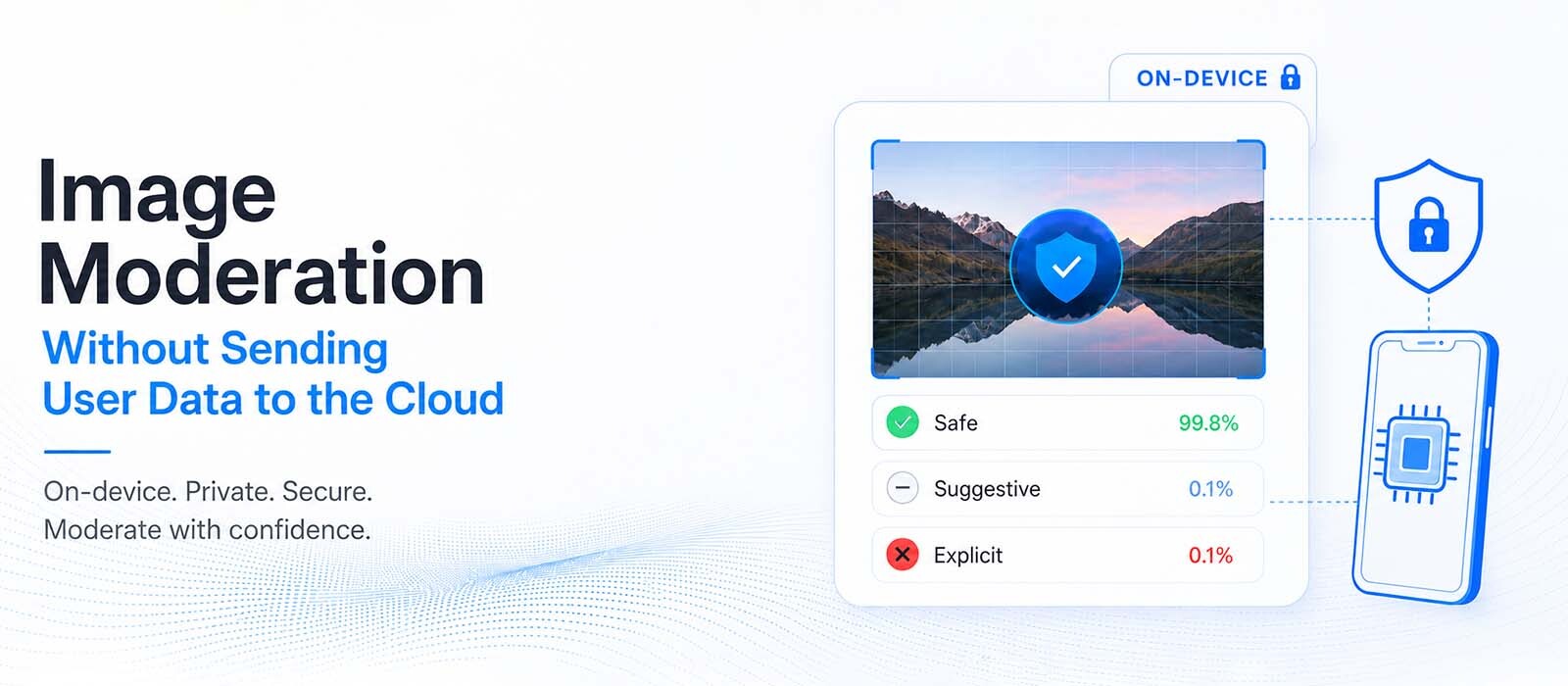
Instead of sending content to the cloud, you can run moderation directly on the user's device.
The models live inside your app, so images, videos, and text are checked locally in milliseconds without leaving the phone.
The rest of your implementation depends on that one decision, so it's the best place to start.
On-device vs. Cloud: Choose your architecture first
The biggest difference between moderation solutions isn't the SDK or API you'll integrate, but where the moderation happens.
A cloud API uploads content to a remote server, runs the models there, and sends the result back to your app.
While on-device SDK bundles the models with your app and runs everything locally on the device instead.
Both approaches can detect unsafe content like nudity, weapons, drugs, toxicity etc.
| On-device | Cloud API (Hive, AWS, Sightengine) | |
| Cost | No per-call fee. Your moderation cost stays the same as usage grows. | Usually billed per image, video frame, or API request. |
| Speed | Results come back in milliseconds and can work offline. | Every request depends on a network round-trip. |
| Privacy | User content never leaves the device. | User content is uploaded to a third-party service. |
| Accuracy ceiling | Mobile models are smaller so they can run efficiently on a phone. | Larger server models can sometimes perform better on difficult edge cases. |
| App size | Your app is larger because it includes the moderation models. | Your app stays smaller because the models live in the cloud. |
Neither approach is right every time for every app.
If moderation needs to happen while someone is taking a photo, recording a video, or sending a message, running the models on the device gives a better user experience.
The result is almost instant, and users don't have to wait for an upload.
Cloud APIs make sense when moderation already happens on your backend or when you want every decision to go through a central system.
Many teams use both; they moderate content on the device first for speed and privacy, then send only a small number of uncertain cases to the cloud for another review.
What does a moderation API return?
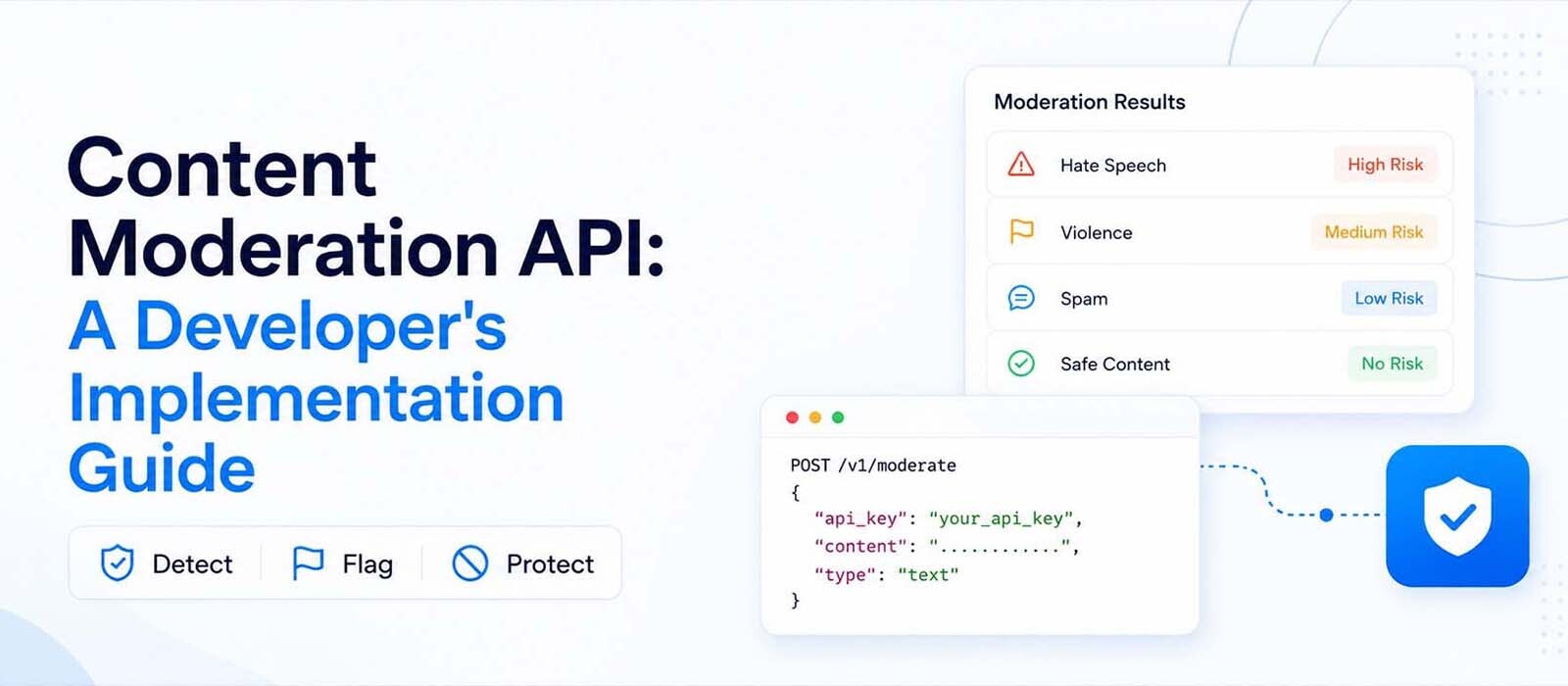
A good moderation API gives you more than a simple "safe" or "unsafe" answer.
For images, an image moderation API usually returns with:
- An overall unsafe flag.
- An NSFW verdict like Safe, Warn, or Block.
- Confidence scores.
- And a list of detected objects like weapons, drugs, alcohol etc.
If you're moderating video, you'll usually get the same information plus timestamps that show where each flagged scene appears.
Text works a little differently. A text moderation API shows:
- Whether the message should be blocked.
- The moderation category.
- And a confidence score.
The response is structured so your app can decide what happens next.
For example, a kids' app might block content as soon as the confidence score reaches a certain level.
Or a social platform for adults might only show a warning and let the user continue.
Most moderation software lets you adjust these thresholds, so you can match the moderation rules instead of relying on default settings.
How to integrate a content moderation API?
Most moderation SDKs follow this setup process.
- Register your app and get a license key for your bundle ID (iOS) or package name (Android).
- Add the SDK to your project.
- Initialize the SDK when your app starts.
- Pass an image, video, or text message to the moderation API.
- Read the result and decide what your app should do.
After the initial setup, moderating content usually comes down to a single API call.
const result = await NosmaiModeration.analyzeImage(path);
if (result.isUnsafe) {
// Reject, blur, or queue for review.
}
With an on-device SDK, the only network request is the license check that verifies your app’s allowed to use the SDK.
How apps use image moderation
When using an image moderation API, the response includes both a decision and supporting signals.
A typical flow looks like this:
- User uploads an image
- App sends it to the moderation SDK
- The SDK returns with:
- flagged content
- category labels (like nudity, weapons, drugs etc.)
- confidence scores
- Your app applies rules based on those values
For example:
- If isUnsafe = true and confidence is high → block upload
- If confidence is medium → blur image and show warning
- If confidence is low → allow but log for review
This kind of setup lets you tweak moderation instead of relying on a strict yes/no system.
It also helps reduce false positives.
How video moderation works
Video moderation works the same as image moderation, but with time added in.
That means, instead of analyzing a single frame, the model scans multiple frames over time.
The response includes:
- timestamps of flagged segments
- category labels per segment
- confidence scores over time
This is useful for apps where content changes within a single video. For eg., a clip might start normal but contain unsafe content later.
Instead of blocking the whole video, your app can:
- blur specific timestamps
- mute sections
- or cut out flagged parts before publishing
How text moderation works
Text moderation API works a bit differently because it doesn’t deal with pixels or frames; it analyzes language patterns.
Most text models focus on toxicity, hate speech, harassment, or crass language. In which case, a typical response includes:
- whether the message should be blocked
- the detected category
- a confidence score
The process is usually fast enough to run in real time as the user types or sends a message.
A common setup in chat apps looks like this:
- run moderation when the user hits send
- block or warn before the message is delivered
- optionally show a feedback message to the user
This keeps conversations safe without slowing down the experience.
Why moderation thresholds improve over time
No moderation system is perfect.
Every moderation API works by predicting probabilities, not certainties, and which is why confidence thresholds play an important role.
If your thresholds are too strict, you'll end up blocking safe content and frustrating users.
Set them too loosely, and unsafe content starts slipping through.
The challenge is that there's no perfect threshold before your product launches.
Most teams start with conservative defaults and adjust them as users begin interacting with the platform.
Over time, moderation data reveals patterns such as:
- what users actually upload
- where false positives occur
- which types of borderline content repeatedly slip through
Those insights help teams tweak thresholds so the moderation system gradually becomes more accurate for their own product instead of relying on the defaults.
When’s cloud moderation the better choice?
Even if on-device moderation works well for many apps, cloud systems still have advantages in specific situations.
A cloud-based moderation API’s the better fit when:
- You need the most powerful models available
- You want frequent model updates without shipping app updates
- You need centralized logging for compliance or audits
- You are moderating content that already lives on your backend
- You want one system to control moderation across web, mobile, and server
Cloud systems also make experimentation easier. You can test new models instantly without changing your app code.
That’s why many production systems don’t choose one or the other. They combine both.
What does a hybrid setup look like?
Real-world apps don’t rely on a single moderation layer; instead, they build a pipeline:
- On-device moderation handles the first pass
- Fast decisions are made locally (block, warn, allow)
- Only uncertain or flagged content goes to the cloud
- Cloud systems act as a second opinion or audit layer
This setup reduces cost and improves speed while still keeping a safety net.
It also scales better.
As your app grows, you don’t send every piece of content to the cloud, only the ones that actually need extra checking.
Mistakes development teams make when building moderation systems
A few patterns show up again and again when development teams first integrate moderation software:
1. Treating moderation as a binary system
Real moderation isn’t just safe or unsafe; it’s a range.
If you force everything into yes/no decisions, you lose flexibility and increase false positives.
2. Ignoring threshold tuning
Default settings rarely match real user behavior. If you don’t adjust thresholds after launch, your system will either block too much or miss too much.
3. Sending everything to the cloud by default
This increases cost and latency without adding value for simple cases that could be handled locally.
4. Not logging decisions
Even a simple log of moderation helps you understand patterns, improve rules, and debug user complaints.
How all this fits together in real apps
If you step back, a working moderation system usually looks like this:
- Content is created (image, video, or message)
- A moderation API analyzes it (on-device or cloud)
- The API returns signals (labels, scores, timestamps)
- The app applies rules based on those signals
- Content is blocked, warned, allowed, or queued for review
That flow stays the same whether you use moderation APIs for images, text, or a full multi-modal system.
Final takeaway
The hardest part of building a moderation system isn't integrating an API, but deciding where moderation should happen in your product.
Once you're past that (that whether decisions happen on the device, in the cloud, or across both), the rest becomes much easier to design.
And remember: models will improve, thresholds will change, and policies will evolve over time, but a well-designed moderation pipeline gives you a foundation that can grow with your product instead of constantly being redesigned.
FAQs
Do I need both image and text moderation?
If your app handles both media and messaging, yes. Images and text require different models because they detect different types of unsafe content.
Is on-device moderation accurate enough?
For most common use cases like basic NSFW detection, weapons, and toxic text, modern on-device models are strong enough. Cloud models still win in complex cases, but not always to justify sending everything to a server.
Can moderation run in real time?
Yes. On-device systems can run in real time because they don’t depend on network calls. Text moderation can also run in real time for chat apps.
What’s the biggest cost factor in content moderation APIs?
In cloud-based systems, cost scales with usage. Every image, frame, or message comes with a bill.
On-device systems avoid this entirely since processing happens locally.