

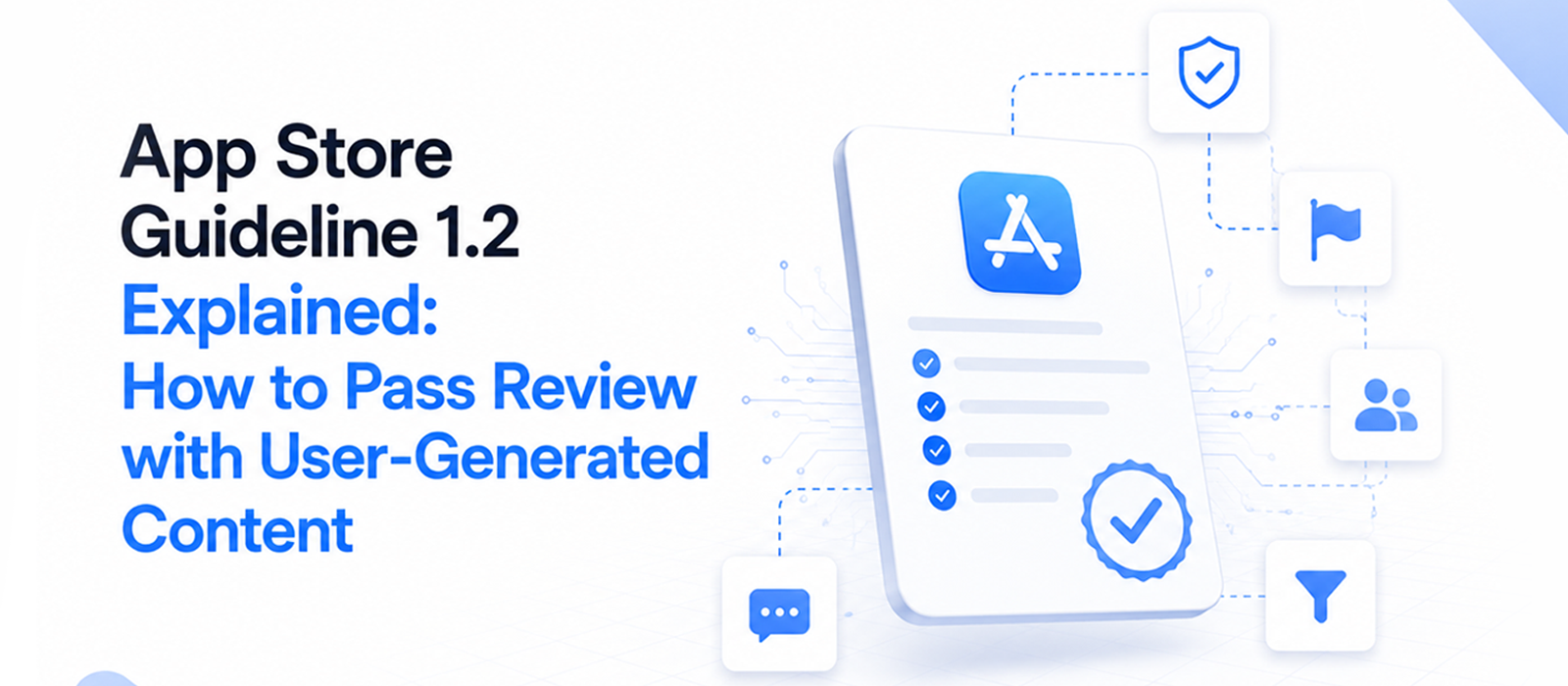
App Store Guideline 1.2 Explained: How to Pass Review with User-Generated Content
There's a specific kind of panic that hits when you open App Store Connect and see: "Guideline 1.2 — Safety — User-Generated Content."
You've spent months building; your launch date’s set.
And now Apple’s giving you a No, usually with a paragraph of boilerplate text that doesn't explain what's actually missing.
That being said, here's what we want you to know upfront:
Most 1.2 rejections are not "you have no moderation;" they're "we couldn't find it."
And that's a fixable problem (usually within one resubmission) if you know what Apple's reviewer is looking for.
We say that with confidence because the pattern repeats endlessly on Apple's developer forums:
Developers who implemented filtering, reporting, blocking, and an EULA, and still got rejected, sometimes after writing detailed review notes explaining everything.
The gap’s almost never effort; it's that the reviewer experiences your app for a few minutes as a stranger, and something you consider obvious was invisible to them.
And this guide’s here to walk you through all of that, beginning with...
What Guideline 1.2 Is (and whether your app counts in it)
Guideline 1.2 covers apps where users can post content that other users see.
Apple's worry, in plain words is: your app could become a place to distribute porn, harassment, or abuse, and Apple gets blamed for it.
So they require you to prove you have controls before you launch.
Now, the question we hear time and again: "But does my app count as user-generated content?"
Here's the test to find that out: if user A can create something that user B can see, it's UGC. Full stop.
- That means a chat app counts (messages).
- A photo app with any sharing or feed counts.
- A forum counts, as well as comments count.
- Even profiles with user avatars or bios count.
Just cause you think "we're not a social app.", you don’t get counted.
Apple doesn't care about your category; it cares whether user A can show something to user B.
The moment you add any shared or public field, assume Guideline 1.2 applies to you.
Now, the question changes from "do we qualify?" to "can the reviewer see our controls?". And that starts with knowing exactly what's on their list.
If you're realizing right now that your app qualifies and you have zero moderation infrastructure, don't panic.
Our practical starting point for trust and safety covers how to build it up in layers instead of all at once.
Apple's Exact 4-Part Checklist
Apple's own requirements for UGC come down to four parts.
- A method for filtering objectionable material before it gets posted.
- A mechanism to report offensive content, with timely responses to those reports.
- The ability to block abusive users.
- Published contact information so users can reach you + an EULA. Apple provides a standard EULA you can use as-is.
Each part among this 4-part checklist is for a reason.
The filter’s your prevention layer; it stops obvious material before anyone sees it.
Reporting is your detection layer for what filters miss, because no model catches everything.
Blocking is personal protection as it lets a harassed user end contact now, without waiting for you to adjudicate anything.
And the EULA plus contact info establishes that users agreed to rules and know where to turn.
Now… the question that decides your architecture: does automated AI filtering count as a "filtering mechanism"?
Yes. Apple doesn’t require human moderators but a filtering mechanism, and automated filtering qualifies.
In practice, it's often stronger evidence because you can demonstrate it live.
For instance, post something borderline in your demo account and let the reviewer watch it get caught.
An on-device NSFW filter that catches content on upload is exactly this kind of demonstrable control.
One condition, though: filtering alone is not the whole of 1.2. You still need report, block, and the EULA.
The 24-Hour Rule Without a 24/7 Team
Apple requires developers to act on objectionable content within 24 hours, often concerning small teams lacking round-the-clock moderation.
Compliance doesn’t necessitate a 24/7 human team, but rather a two-layer system: automated removal for high-confidence violations, and a daily human queue for ambiguous content.
Layer one: automated removal for high-confidence cases.
Layer two: a daily human queue for the ambiguous cases.
This approach allows developers to handle the majority of reports immediately while clearing the remaining queue daily to meet Apple's expectations without constant staffing.
The automated layer is what makes the 24-hour number survivable for a small team. Most reports get handled in seconds without a human. Only the grey areas wait for human review. And clearing those once a day fits comfortably inside the window.
We've written up how this three-tier routing works at scale if you want to read up on the full architecture.
Why Fully Compliant Apps Still Get Rejected
A scenario that has filled Apple's developer forums is: a developer adds the EULA, the filter, the report button, the block feature (everything on the checklist) and still gets rejected.
Sometimes twice.
Sometimes with review notes that explained everything.
So… what's going on?
Nine times out of ten, the missing piece is the report-and-block loop.
And three failure patterns come up over and over:
One: Block is missing or hard to find
Guideline 1.2 asks for three separate controls (filter, report, AND block) and reviewers specifically look for block.
If a reviewer can't block another user within a minute of tapping around, you fail. This is the single most common miss.
Two: reporting has no visible consequence
A report button that fires off silently reads as fake.
Reviewers want to see it do something: a confirmation, the content disappearing, an option to block the user from the same screen.
Three: your review notes don't point to the controls
App Review spends a couple of minutes per app. If they can't find your moderation in that time, they conclude it isn't there. And no amount of backend sophistication saves you.
Before you resubmit, run what we call the one-minute test:
Open your app as a user and try, in order, to report a piece of content and then block the person who posted it. If either takes more than a few taps, or isn't obvious, you've found your rejection.
Fix the block flow first.
And when done, don’t resubmit immediately with a longer explanation.
Reviewers aren't reading persuasive essays; they're tapping through your app looking for controls.
If the controls didn't move, the outcome won't either, and each rejection cycle costs you days.
Do You Need a 17+ Age Rating?
Not automatically. But it's common, and often a safe call.
Historically, apps with unrestricted UGC got pushed toward a higher rating, because Apple couldn't guarantee what users would post.
Apple's age rating system has since become more granular, so your exact rating depends on your answers in the questionnaire, particularly the questions about unrestricted content and user-generated content.
The practical advice is simple: answer the questionnaire honestly. If your app has open UGC with limited gating, expect a higher rating and take it.
Don't try to under-rate your app to look more family-friendly.
A mismatch between your actual content and your declared rating is itself a rejection reason.
One more nuance worth knowing: Strong moderation doesn't automatically buy you a lower age rating, and a 17+ rating doesn't exempt you from the four-part checklist.
You can be honestly rated and still rejected for a missing block button. Do treat the two as separate boxes you have to tick.
What to Write in Your Review Notes to Pass
Your review notes are the highest-leverage text you'll write in this entire process, so treat them as a map to your moderation.
Here's a structure that works. Of course, you have to adapt the specifics as per your app:
This app contains user-generated content and complies with Guideline 1.2.
— Content filtering: All image uploads are automatically scanned by on-device NSFW filtering before posting. To test: upload a borderline image from the demo account and it will be blocked. — Reporting: Tap the "…" menu on any post → Report. Reported content is hidden and actioned within 24 hours. — Blocking: Tap any user's profile → Block. Blocked users' content disappears immediately. — EULA & contact: Available at [Settings → Terms]. Contact: [your email].
Demo account: [credentials].
Notice what this does? It names each of the four controls, says exactly where it lives, and gives the reviewer a way to watch the filter work.
Why would this format work?
Because it mirrors how the review happens.
The reviewer opens your app with a checklist in mind and minutes on the clock. Every sentence in your notes that says "the thing you're looking for is here" converts a potential failure into a checkmark.
And the demo account isn't optional politeness; without it, the reviewer may never get past your login screen, and controls they can't reach are controls that don't exist.
And the single highest-leverage sentence in there is the one telling them where block lives.
It's the control most likely to be missed and the one most likely to sink you. Make the reviewer find nothing on their own.
So… What’s the Next Step?
Open your app right now and run the one-minute test: report a post, then block its author, as a brand-new user would. If you stumble anywhere, that's the fix to make before you resubmit and see where you’re standing then.