


On-Device Content Moderation: The Complete Guide
The fastest way to lose a user on an app isn't a crash or a slow screen.
It's showing them something they never should have seen, like, one explicit image in a feed, one abusive message in a chat, and… users start leaving.
And here's the thing: most developers already know this.
They just file the “moderation” part under "stuff to figure out later"… right up until an App Store rejection or user complaints turns it into an emergency.
Fortunately, it doesn't have to get that far.
Today, developers can detect and act on unsafe content directly (known as on-device content moderation) on a user's device, often before it's uploaded or shown to anyone else.
But, this whole thing can be avoided altogether, through on-device moderation.
What Is On-Device Content Moderation?
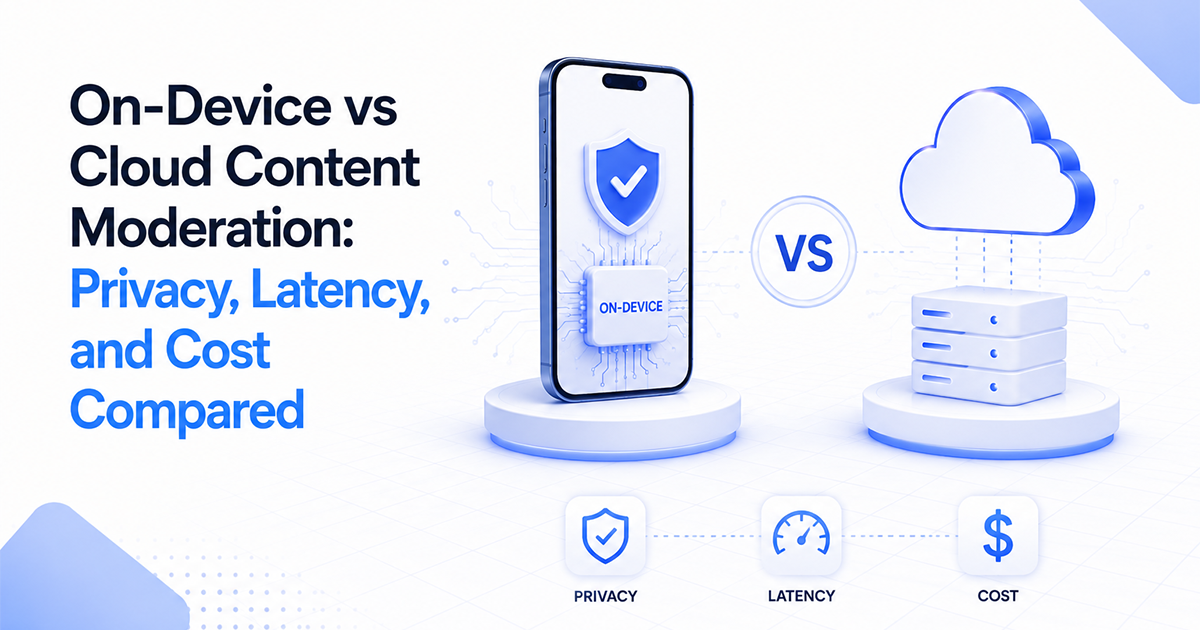
It’s the practice of running AI moderation directly on a user's device instead of sending content to cloud servers.
Images, videos, text, or audio are analyzed locally, allowing your app to block, blur, or flag unsafe content before it's uploaded or displayed.
Unlike cloud moderation, the safety check happens on the device itself. That means near-instant decisions, offline support, lower infrastructure costs, and stronger user privacy.
At its core, the goal is the same as any other moderation system: deciding whether user-generated content should be shown, hidden, blurred, flagged, or removed.
The difference is where that decision happens. Instead of relying on a remote server, the moderation model runs entirely on the user's device.
So how does that actually work?
How On-Device Content Moderation Works
When a user creates or receives content (whether it's an image, video, message, or audio clip) your app runs it through an AI model that's bundled inside the app.
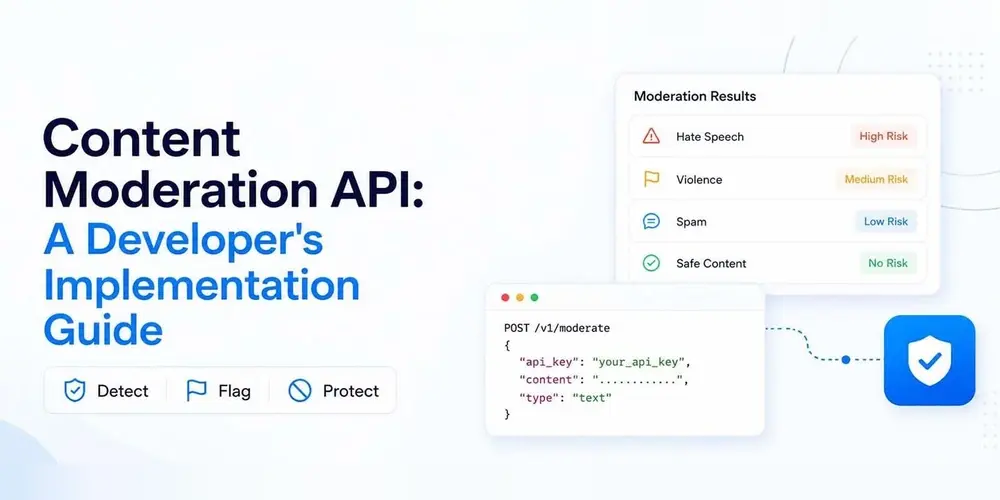
Instead of uploading the content to a server for analysis, the model performs the moderation check INSIDE the app locally and gives a score for categories like nudity, violence, or toxicity.
Your app then uses those scores to decide what happens next.
Safe content is shown immediately; clearly unsafe content can be blocked, blurred, or prevented from being uploaded.
And anything that falls into an uncertain range can be flagged for additional review or handled using whatever moderation workflow your app follows.
Because everything happens on the device, decisions are typically made in well under a second, continue working offline, and don't require sending user content to third-party services.
One thing worth pointing out: moderation is one layer of a bigger safety picture, sitting alongside reporting, identity, and fraud prevention.
If you want to see how the whole stack fits together, this starting point for trust and safety is the map for everything this guide zooms in on.
AI vs. Human Moderation: Who Does What?
Where does AI fit in? And does it replace people entirely?
No! It’s a mix of both.
AI moderation runs every piece of content through a model that spits out a score: how likely is this nudity, toxicity, gore, and so on.
Your system then acts on that score automatically. Human moderation is where there’s still ambiguity regarding the content and requires human judgment to show, reject, or blur.
While AI is instant, consistent, tireless, and scales to millions of items, it struggles with context, sarcasm, intent, and culture.
Human moderation, on the other hand, understands the nuance a model misses but they're slow, expensive, and inconsistent.
Which is why the winning setup isn't "AI versus humans" at all.
It's: AI for the volume and humans for the grey areas.
In practice, that looks like a routing rule built on confidence scores. High-confidence safe content publishes untouched. High-confidence unsafe content gets removed automatically.
The uncertain middle (and it's a sliver of your total volume) goes to a person.
Keep that split in mind. It comes back when we talk about passing app store review.
What Your App Should Actually Moderate
Ask a developer what needs moderating and you'll hear things like sexual and explicit imagery, violence and gore, hate speech, harassment, spam etc.
But here’s a list of other equally important things that need moderating:
Text, not just images
Harassment and toxicity in chat, comments, usernames, and bios cause just as many complaints as images. Yet many apps moderate photos diligently and leave text wide open.
Usernames and profile fields
A slur as a display name is visible to everyone who encounters that user, and it's the easiest thing to overlook, because it doesn't live in your "content" tables.
Live content
Cameras and streams, where there is no after-the-fact review. If you didn't catch it live, everyone already saw it. Live video is its own discipline, which is why we gave it a dedicated guide.
Grooming and solicitation patterns
This is important especially if minors can use your app. This is behavioral, not a single bad image, and it deserves explicit attention in your design.
Most apps over-index on nudity and under-index on text. So if you have a chat or comment surface, make sure to moderate the text parts.
And while it seems logical why image moderation should get priority, text moderation is equally necessary as a single toxic message can do damage out of proportion to its size (as it's aimed at a specific person) in real time.
So yes, while image moderation protects your feed's atmosphere; text moderation frequently protects an individual user mid-conversation.
If you're sequencing the work, let that urgency set the order.
Why Moderation Is Non-Negotiable for UGC Apps
Maybe you're still thinking of moderation as something you add later, once your app’s got more users.
Here are the three reasons to convince you otherwise.
Distribution
Apple and Google require apps with user-generated content to have systems in place to prevent harmful or inappropriate content.
No moderation can literally mean you don't ship at all. This isn't theoretical; it's Guideline 1.2 doing exactly what it says.
Users
Users decide quickly whether they feel safe on a platform.
A single experience with harassment, spam, or explicit content can be enough for someone to stop using your app.
Building trust takes time. Losing it only requires one bad interaction.
Liability and brand
UGC can create risks beyond the user experience.
Depending on your app, location, and the type of content users share, your company may need to deal with complaints, regulatory requirements, or damage to its reputation.
Every company that hosts user content eventually has to answer the same question: “how do you prevent harmful content from becoming your problem?”
App stores can create problems before launch. Users can leave after launch. Reputation and legal issues can appear as your platform grows.
That is why moderation should be treated as core infrastructure for a UGC app, and not a feature to add later.
The goal’s not just detecting harmful content, but building a moderation system that can protect your users while still scaling with your product.
Meeting Apple's and Google's Rules with One Setup
Apple and Google have different review processes, but their expectations for UGC apps are largely the same.
If you build around Apple's stricter requirements, you’ll cover Google Play's UGC policy too.
The core setup has five parts:
Filtering
You need a system that detects harmful or inappropriate content before it reaches other users.
This can be automated. Apple does not require you to manually review every upload. An AI moderation system can handle this step.
User Reporting
Users need a way to report content or accounts that violate your rules.
Those reports should be reviewed and handled quickly. Apple specifically expects reported issues to be addressed within a reasonable timeframe.
Blocking
Users should be able to block other users.
Blocking and reporting solve different problems; reporting tells your team about a violation and blocking gives users immediate control over their own experience.
Terms and contact information
Your app should clearly explain what content is allowed and what happens when users break the rules.
Plus, a way for users to contact you about moderation issues.
Show it working
For Apple specifically, don't just explain that moderation exists. Show reviewers how to test it.
Include review notes that point to your moderation controls and provide a demo account if needed so reviewers can see the system working.
Google Play has similar expectations: UGC apps need reporting, blocking, and a process for removing content that violates policies.
The order you build these pieces matters.
Start with filtering. It handles the largest volume of decisions automatically, which keeps the number of reports and manual reviews manageable.
A practical setup looks like this:
- Automated filtering handles obvious violations.
- Human review handles uncertain cases.
This gives you the speed of automation while keeping human judgment where it matters.
None of these require a complex system. The challenge is not having access to the technology. It’s understanding which controls app stores actually look for.
Once you know the requirements, building a compliant UGC moderation system becomes much simple.
You've Got the Map! Now Take the First Step
You now know more about content moderation than most developers who've already shipped a UGC app, and none of it requires complex anything.
So here's your one move for this week: audit your app against the five parts above (filter, report, block, terms, demo ability-review) and start building whichever one’s missing.