

On-Device vs Cloud Content Moderation: Privacy, Latency, and Cost Compared
Every developer building a UGC app eventually hits the same fork in the road: “do we moderate content in the cloud, or on the device itself?”
Though it’s a core product choice that completely changes how your app survives in the real world.
Pick the wrong one, and you risk wrecking your user experience, blowing past your infrastructure budget, or alienating privacy-focused users.
Let's compare both - on device vs cloud moderation side by side so you can choose the approach that fits your app best.
And yes, using both CAN be a great option, but only after you understand what each one does well.
The Difference Between On-Device and Cloud
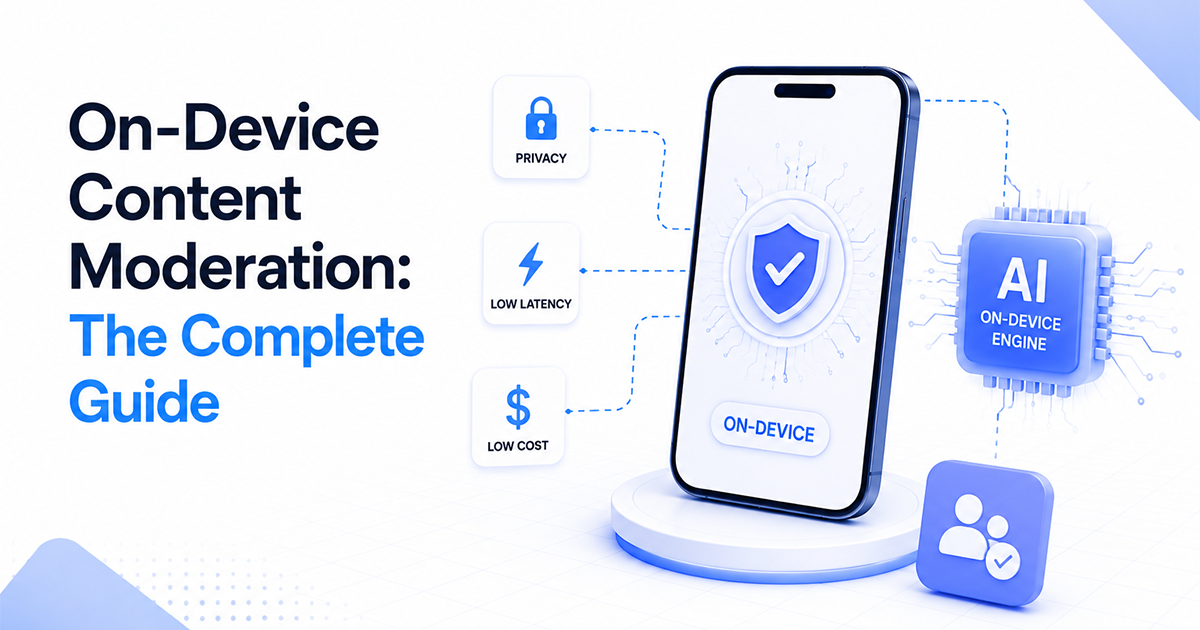
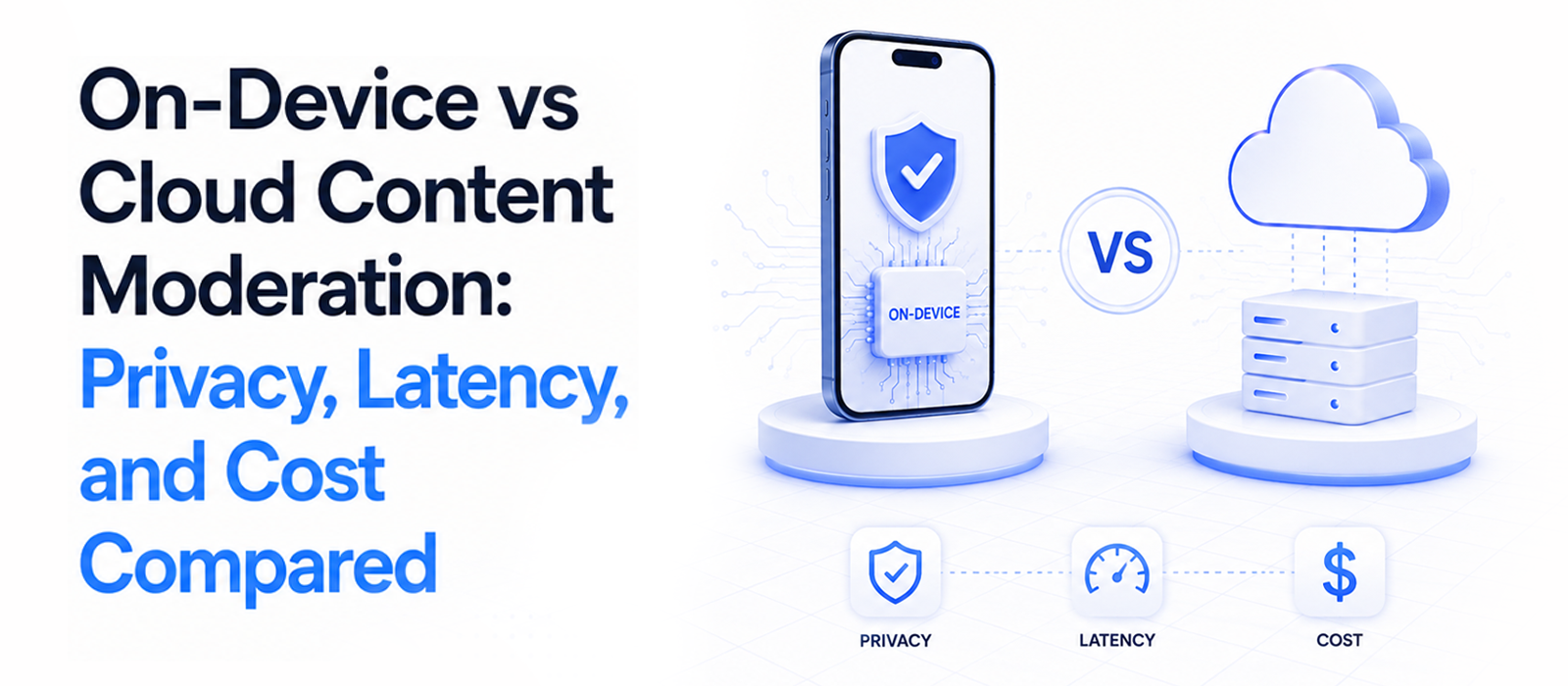
On-device: the model lives inside your app and runs on the user's phone.
Cloud: your app uploads the content to a server, the server judges it, and sends back a verdict.
Everything else in this comparison (speed, privacy, cost, offline behavior) falls out of that one architectural choice.
On-device trades app size and update flexibility for speed, privacy, and zero per-item cost.
Cloud, on the other hand, trades a network round trip and a per-item bill for the ability to change models without shipping an app update.
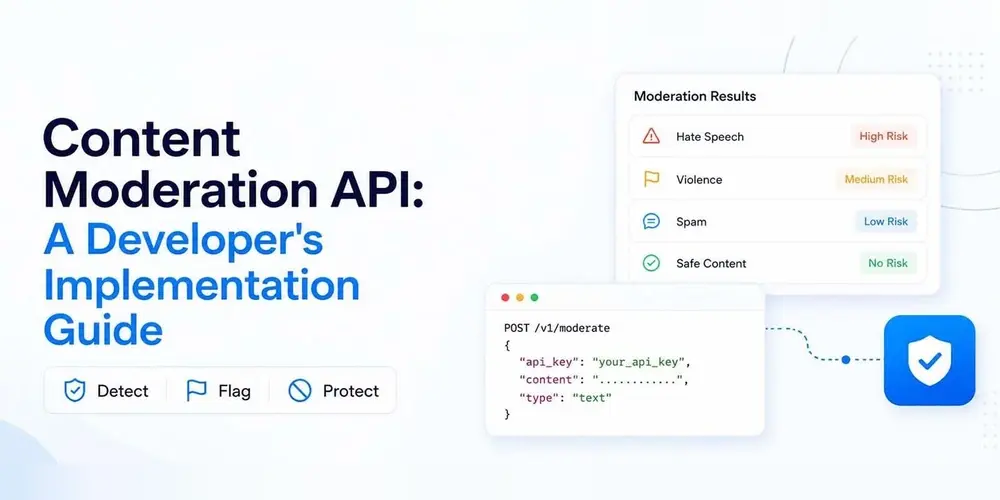
We've unpacked both workflows in detail in our content moderation API implementation guide.
Now, the privacy question: does on-device really mean images never leave the phone?
Yes. As it's a property of the architecture, there’s no upload call, so there’s no image in transit and no image sitting in a vendor's logs.
Nothing to intercept, nothing to retain, nothing to breach.
Want to verify a vendor's claim instead of taking their word? Put the phone in airplane mode and check whether the feature still works.
If it does, the content isn't going anywhere.
Cloud moderation, by definition, transmits the image to and processes it on someone else's servers. That's a data-sharing relationship you have to disclose and stand behind, even if the vendor deletes the image afterward.
Speed: Under 100ms vs 300–800ms
When it comes to speed, on-device has a clear advantage.
Because everything happens on the user's phone, there's no network request to wait for. A classification usually finishes in under 100ms on a mid-range device.
Cloud moderation works differently.
Every image has to travel to a server, be processed, and come back with a result. That round trip typically takes between 300 and 800ms, depending on the user's connection.
On slower networks, it can take much longer, or fails altogether.
Now, a few hundred milliseconds might not sound like much.
But for moderation, it changes everything.
If you're checking content before it appears on screen, those extra milliseconds matter because by the time a cloud response arrives, the image may already have been shown to the user.
With on-device moderation, the decision is made before the content is displayed.
And remember, your users won't always be on a fast Wi-Fi connection.
They'll be on mobile data, travelling, inside buildings with weak reception, or somewhere with no signal at all. And that's where the gap between local and cloud moderation becomes MORE noticeable.
There are two situations where this difference matters even more.
Offline
Cloud moderation depends on an internet connection. Without one, your moderation request never reaches the server.
That leaves you with two choices. You can block content until the connection comes back, which makes the app feel broken. Or you can allow content through without checking it first.
Live video
Live video raises the bar even further.
Instead of checking a single image, you're processing a continuous stream of frames. That only works if every decision comes back almost instantly.
With on-device moderation, you can sample frames directly on the device and classify them in real time.
With cloud, every sampled frame has to be uploaded, processed, and returned before the next one arrives. The added latency makes real-time moderation difficult, and the repeated API calls can become expensive very quickly.
This is why video moderation is a fundamentally different problem than image moderation.
One tip, however: you don't need to classify every frame. Most apps sample every Nth frame and run inference off the camera thread to keep the preview smooth.
On-device, increasing your sampling rate doesn't increase your infrastructure costs; on cloud, every extra sample becomes another billable request.
Cost at Scale: Per-Image Bills vs. Flat Pricing
Speed is felt by users, but cost is felt by the business. And the two pricing models have completely different shapes.
Cloud moderation is priced per item. Every image checked is a billable call, forever, so your cost scales with usage.
On-device has essentially zero marginal cost: you pay for the SDK or license, and whether your users moderate a thousand images or a hundred million, the computing happens on their phones.
And the difference becomes more noticeable as your app grows.
A cloud solution that feels inexpensive at ten thousand images a month can become a significant recurring expense at a million.
With on-device moderation, that same increase in usage doesn't create the same increase in infrastructure costs.
To project your own growth, take the average number of uploads each user makes today and multiply it by the number of users you hope to have next year.
Now, do you want your moderation costs to grow every time your users become more active?
That's the trade-off behind per-image pricing. As your app grows more in terms of user base, and usage increases, your moderation bill increases too.
On-device changes that equation by moving the work onto the user's device instead of your servers.
And that inversion is the core argument we made in UGC moderation at scale.
The real constraint isn't detecting unsafe content, it's whether you can do it without your infrastructure costs growing alongside every upload.
Comparing Accuracy
Cloud models do have one advantage: they can be more accurate on the most unusual cases.
That's expected. A model running in a data center has access to far more memory and computing power than one running on a phone.
In a controlled benchmark, it's reasonable to expect the larger model to perform better.
But it’s not just about benchmarks.
For the categories most consumer apps actually moderate (such as explicit and sexual content), a well-trained on-device model is already production-ready.
More importantly, the question isn't "Which model is more accurate?" It's "Which model performs better in a real app?"
The answer depends on more than the model itself. It also depends on how consistently you can run it.
An on-device model can moderate every image without waiting for a network request or adding to your infrastructure costs.
A cloud model may achieve slightly higher benchmark scores, but if cost or network reliability means you only moderate a portion of uploads, that advantage becomes much smaller.
Cost can influence moderation in another way, too.
After all, as cloud moderation bills grow, teams sometimes adjust their moderation policies to reduce costs, for eg., by raising thresholds or reviewing fewer borderline cases.
The model hasn't become less capable, but the way it's used has changed.
With on-device moderation, checking one more image doesn't increase your infrastructure costs.
That makes it easier to apply the same moderation policy consistently, regardless of how much content your users upload.
Does On-Device Make GDPR Easier?
Generally yes.
Under GDPR, the heaviest obligations are regarding processing and transferring personal data.
If moderation runs entirely on-device, the image or message is never transmitted to you or a third party just to be checked.
That means: no data leaving the user, no cross-border transfer, no third-party processor to add or retain to your records.
That clears several privacy steps you would otherwise need to handle.
With a cloud moderation provider, you may need to manage things like data processing agreements, privacy policy updates, vendor security reviews, and deletion requirements.
Every company that handles user content adds another relationship you need to understand and maintain.
Removing that extra step can make your privacy setup simpler.
But there’s an important distinction: on-device moderation doesn’t make your entire app GDPR-compliant automatically.
If your app collects other personal data (like user accounts, analytics data, or activity information), you still have the same responsibilities under GDPR.
How to Choose: Cloud API vs. On-Device
- Choose a cloud API like Hive, Sightengine, AWS Rekognition, or something similar if you need many content categories at once, you already process everything server-side, or your policy changes often. They're strong and broad, and you pay per item. Check each one's current pricing directly, since rates aren’t fixed.
- Choose on-device moderation if your mobile app prioritizes latency, privacy, and predictable cost, and your priority is explicit and sexual content (including text).
- You can also start with free options. Open-source models like NudeNet are available to run yourself, and some cloud providers offer limited free tiers. But free does not always mean 0 cost. You still need engineering time for setup, model tuning, maintenance, and ongoing improvements. Free options can work well for testing ideas, but they may become difficult to maintain at production scale.
And if you’re torn between a cloud API and an on-device SDK, don't rely only on feature lists or benchmark numbers. Test both options using a sample of your own user content.
The most useful results usually come from the images where the tools disagree.
If both systems correctly identify obvious cases, those results don’t tell you much. Instead, focus on the borderline examples (like swimwear, fitness photos, artistic images etc).
Conclusion
Choosing a moderation solution isn't about finding the option with the most impressive features, but about finding the one that works best for your actual users and content.
And the fastest way to make that decision is to test it with the content your app will handle every day.
For that, take a sample of real images from your app (especially the borderline cases) and run your shortlisted cloud API and on-device SDK against them side by side.
The disagreements between the two verdicts will make this decision for you faster than any comparison post, including this one.