



Create Custom 2D & 3D AR Assets for Your App
Design, test, and build custom face filters, masks, and camera effects in a powerful desktop app. Nosmai Studio lets your design team build ready-to-use AR assets instantly, without waiting on your development team.
100% Free
Completely free to download and use with your regular Nosmai account.
Mac & Windows
Runs natively on both MacOS and Windows.
Fast Export
Import your 3D files and export ready-to-use AR packages instantly.
Visual Workflows
Build complex actions and face effects using simple visual workflows.
Build Any Camera Effect in One Editor
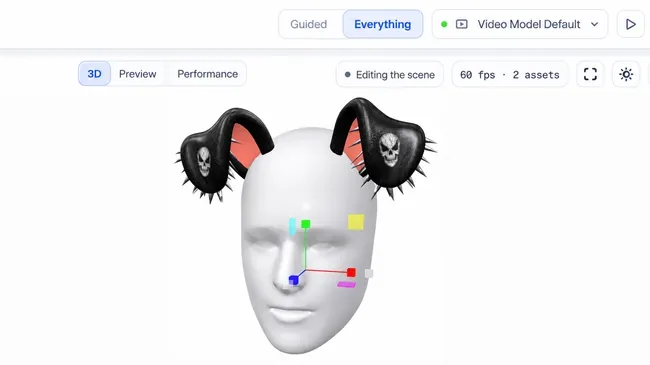
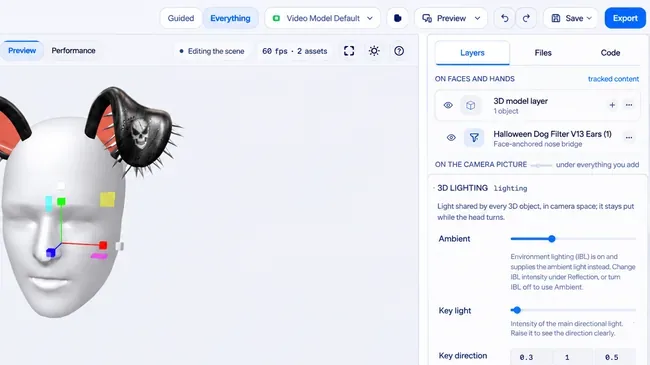
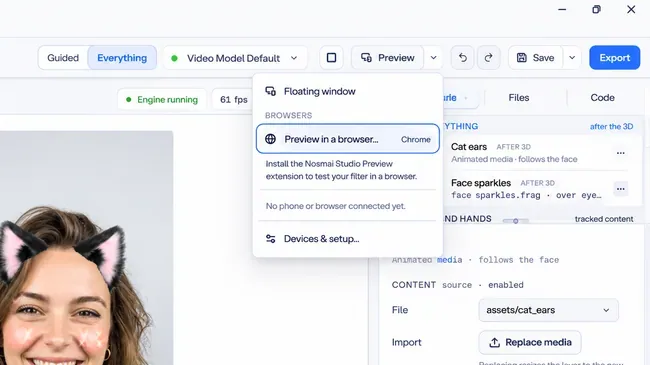
Beauty, face reshape, 3D models, backgrounds, shaders and interactions all live in the same desktop app, with a live preview on your camera or phone.
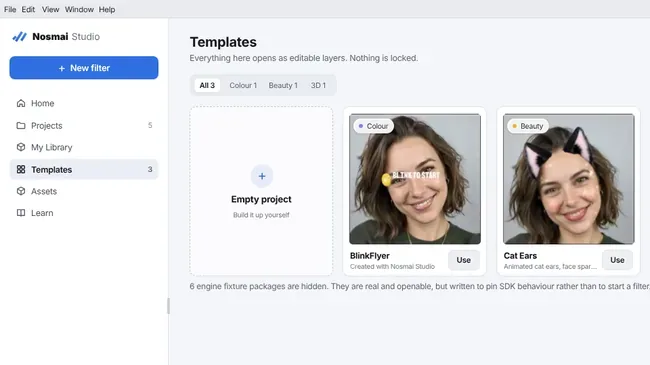
Everything Inside Nosmai Studio
Beauty & Makeup
Skin, makeup and contact lenses, each with its own intensity.
Face Reshape
Subtle or dramatic warps across the lips, eyes, nose, brows, jaw and forehead.
Backgrounds & Hair
Separate the person from the scene, then blur, replace or restyle it.
Overlays & Media
Layer media and type on top of the camera and grade the whole frame.
3D Models & Rigs
Bring in rigged models and control how they animate, morph and move.
Reactions & Triggers
Bind winks, blinks and other face gestures to layers, shader passes and materials, and set each one to toggle, hold, play once or ping-pong.
Shaders & Scripting
Go past the visual tools when an effect needs its own logic.
Skip the Setup with Ready-Made Design Templates
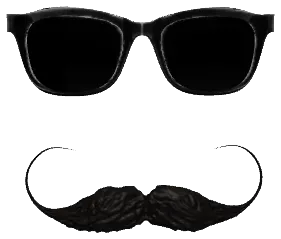
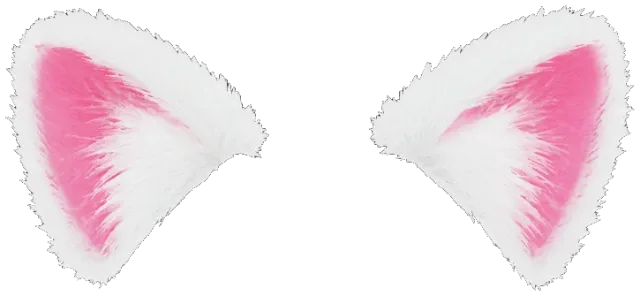
Don't start from scratch. Nosmai Studio includes pre-built templates so your team can understand tracking points and interactive triggers immediately.

The Fastest Way to Build Custom AR Experiences
Stop coding AR assets from scratch. Nosmai Studio packs advanced tracking and rendering into an easy visual layout so your creative team can launch branded effects in minutes.
For Designers
Build premium face masks, virtual try-ons, and effects without writing code.
For Technical Artists
Drop in custom code for specialized shaders and complex logic when needed.
FAQs
Start building custom AR effects
Download the desktop app today, log in, and start building custom camera effects instantly.

An AR and AI company. Founded on the idea that the next decade of software will be visual, and that the tools for it should be within reach of anyone building.
Product updates and release notes. No spam.
© 2026 NOSMAI LLC · All Rights Reserved