



Nosmai processes the camera feed before the streaming provider publishes it. The provider continues to manage rooms, signalling, audio, participants, and network transport.
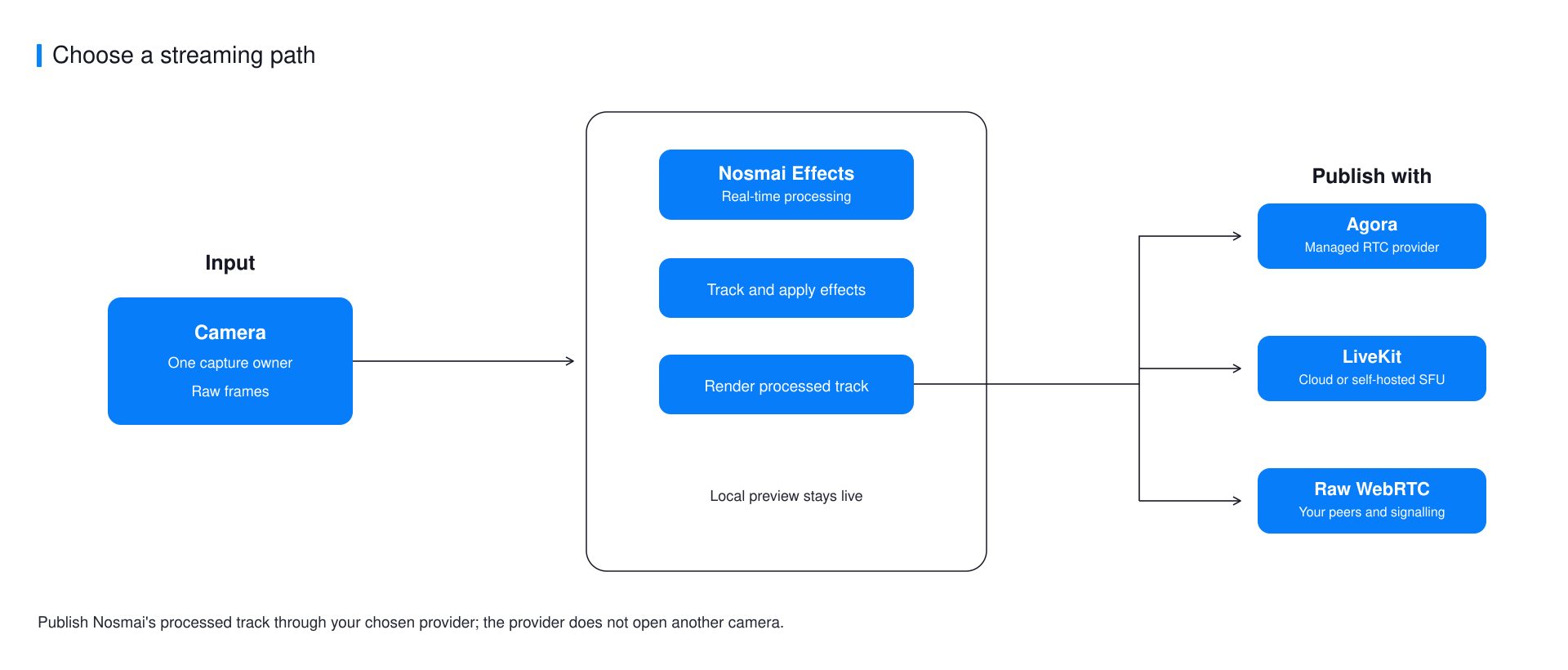
Choose an integration
| Integration | Available platforms | Use it when |
|---|---|---|
| Agora | Android, iOS, Flutter | Your application already uses Agora RTC Engine |
| LiveKit | Android, iOS, Flutter | You use LiveKit Cloud or a self-hosted LiveKit server |
| Raw WebRTC | Android, iOS | You own signalling, peer connections, or a custom WebRTC stack |
Flutter has maintained Agora and LiveKit bridges. Native Android and iOS have verified examples for all three routes. React Native does not currently expose a high-rate zero-copy streaming bridge, and the Web SDK remains a developer preview, so neither is listed as a verified streaming target here.
Keep one camera owner
Nosmai owns camera capture and the processed local preview in the verified streaming examples. Do not also ask the streaming provider to open its camera. A second camera path can fail to start, publish unfiltered video, or reduce frame rate.
The correct path is:
- Start Nosmai capture and processing.
- Create a custom video source or track for the provider.
- Send Nosmai's processed output into that source.
- Publish the custom track.
- Stop frame production before releasing the provider session.
What stays with your application
- Provider credentials, room tokens, and signalling
- Microphone capture and audio publishing
- Participant, reconnect, and background lifecycle
- Encoder settings, bitrate, simulcast, and orientation policy
- Customer-facing errors and connection state
Verify a stream
Apply a clearly visible effect and join from a second device. Confirm that the remote participant sees the filtered feed, not the raw camera, and test camera switch, stop, rejoin, portrait orientation, and app backgrounding.
Next steps
- Use Agora in Flutter
- Use LiveKit in Flutter
- Use LiveKit on Android
- Use raw WebRTC on iOS
- Understand off-screen rendering
